01
Desktop AI video editor
AI video editor for Windows
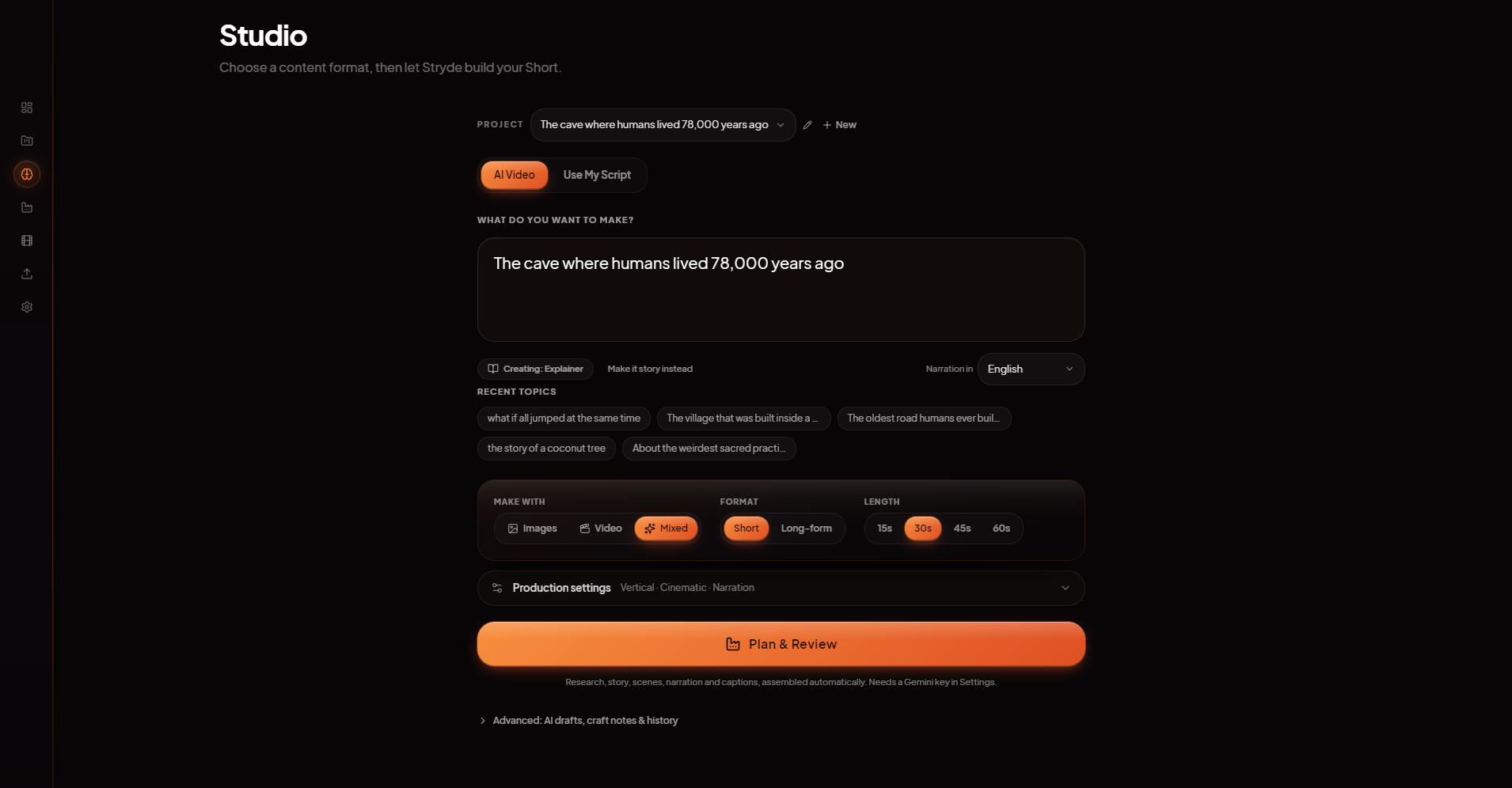
Turn an idea or script into an editable video project. Review the plan, generate scenes, and refine separate video, caption and audio tracks in Stryde for Windows.
AI generation is the starting point, not the final cut. Review your scene plan in Studio, generate the media, then refine separate video, narration and caption tracks in Stryde's Windows editor. Keep the project editable instead of working only with a finished video file.

Inside Stryde
One focused workspace from idea to export.
02
Keep control of every scene
03
Finish in a real editor
04
Generation and editing solve different problems
05
What stays editable after AI generation?
06
Revise a narrated explainer without starting over
For a short product explainer, review the script and scene plan first, produce the scenes, then check each shot against the narration. If one shot does not fit, revise that scene rather than rebuilding the whole story. Correct names in the captions, adjust their timing, and preview the complete Sequence before export. The captions and audio workflow covers the separate text and sound controls.
07
Create Shorts, Reels or landscape videos
Choose the canvas for the destination before assembling your scenes. For vertical videos, review caption placement and framing in the portrait composition; for landscape videos, check how each shot fills the wider frame. Preview narration and captions together before export. Explore the Shorts and Reels workflow for short-form projects.
08
Desktop editing, connected AI generation
09
Choose the workflow that fits your video
For narrated explainers, start with the script-to-video workflow. For detailed timing, explore multi-track timeline editing. For titles and moving layers, see keyframe animation with motion points.
Explore the studio