Timeline-first editing

Stryde multi-track video editor

Build AI-assisted videos in Stryde with a real multi-track timeline for scenes, video, audio, captions, layers, keyframes and precise export control.

The Stryde timeline is designed for the last mile of creative judgment: reorder scenes, trim media, tune layers and see the result as a complete sequence.
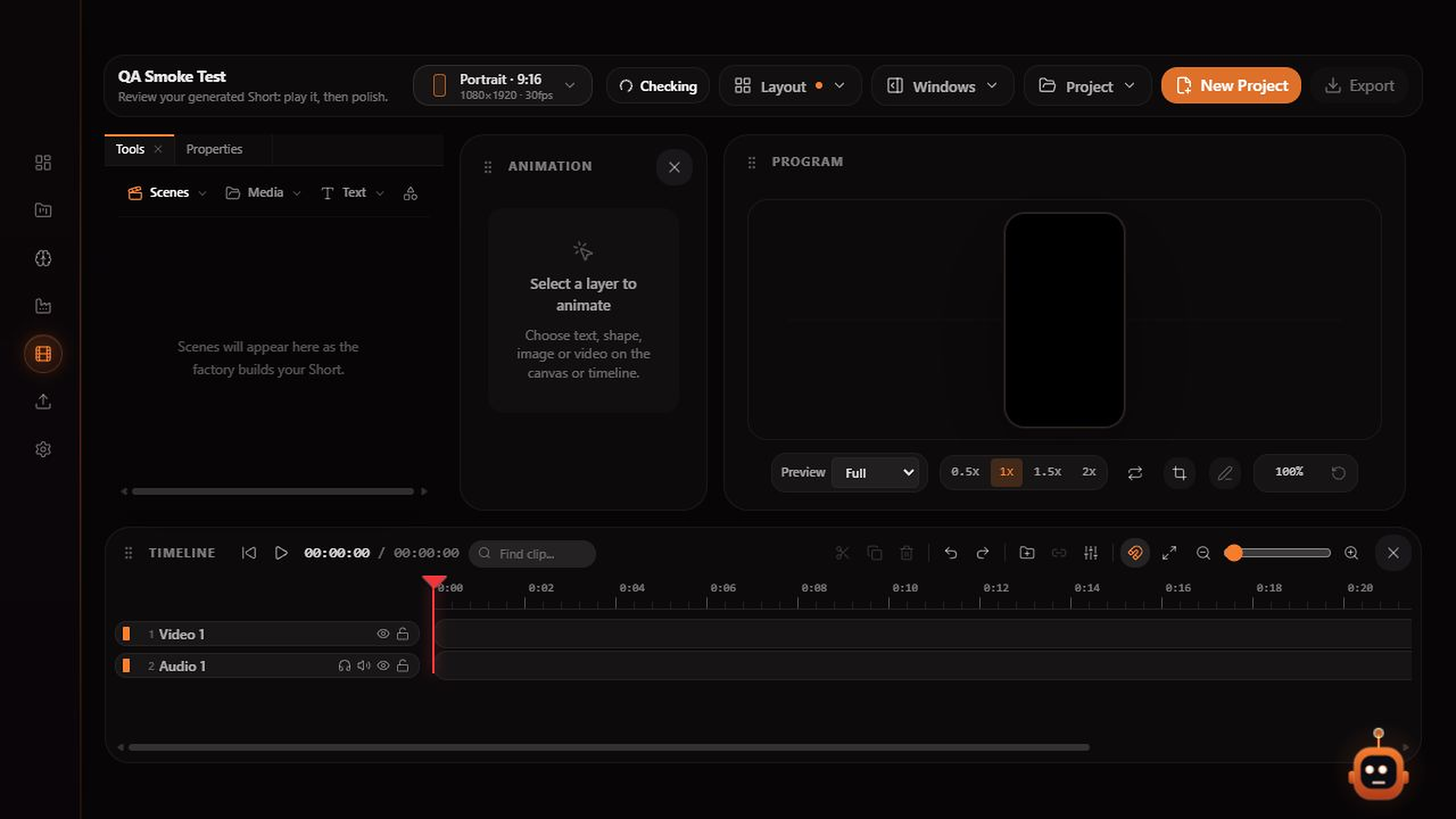
Stryde video editor with scene tools, a program preview, properties panel and separate video, narration and caption tracks
The Stryde workspace: review scenes, adjust the timeline and export from one editor.

Inside Stryde

One focused workspace from idea to export.

01

Separate tracks for a clear edit

Keep picture, narration, music, captions and scene audio visible in the same timeline. The structure makes changes easier to review and repeat.

02

Keyframes for deliberate motion

Animate position, scale and opacity when a generated scene needs a more specific rhythm. Adjust motion directly in the project instead of exporting to another tool.

03

Export from the same workspace

Choose the delivery format, check the final sequence and export when the cut is ready. The workflow stays connected from generation through delivery.

Explore the studio

See how the pieces fit together.