Stryde workflow

Turn your script into an editable video plan

Plan a video from an idea or script in Stryde. Review scenes, choose images or video, set narration and refine the generated sequence in a Windows desktop editor.

Start with the story, review the plan, then make production choices scene by scene. Early access is currently by application.
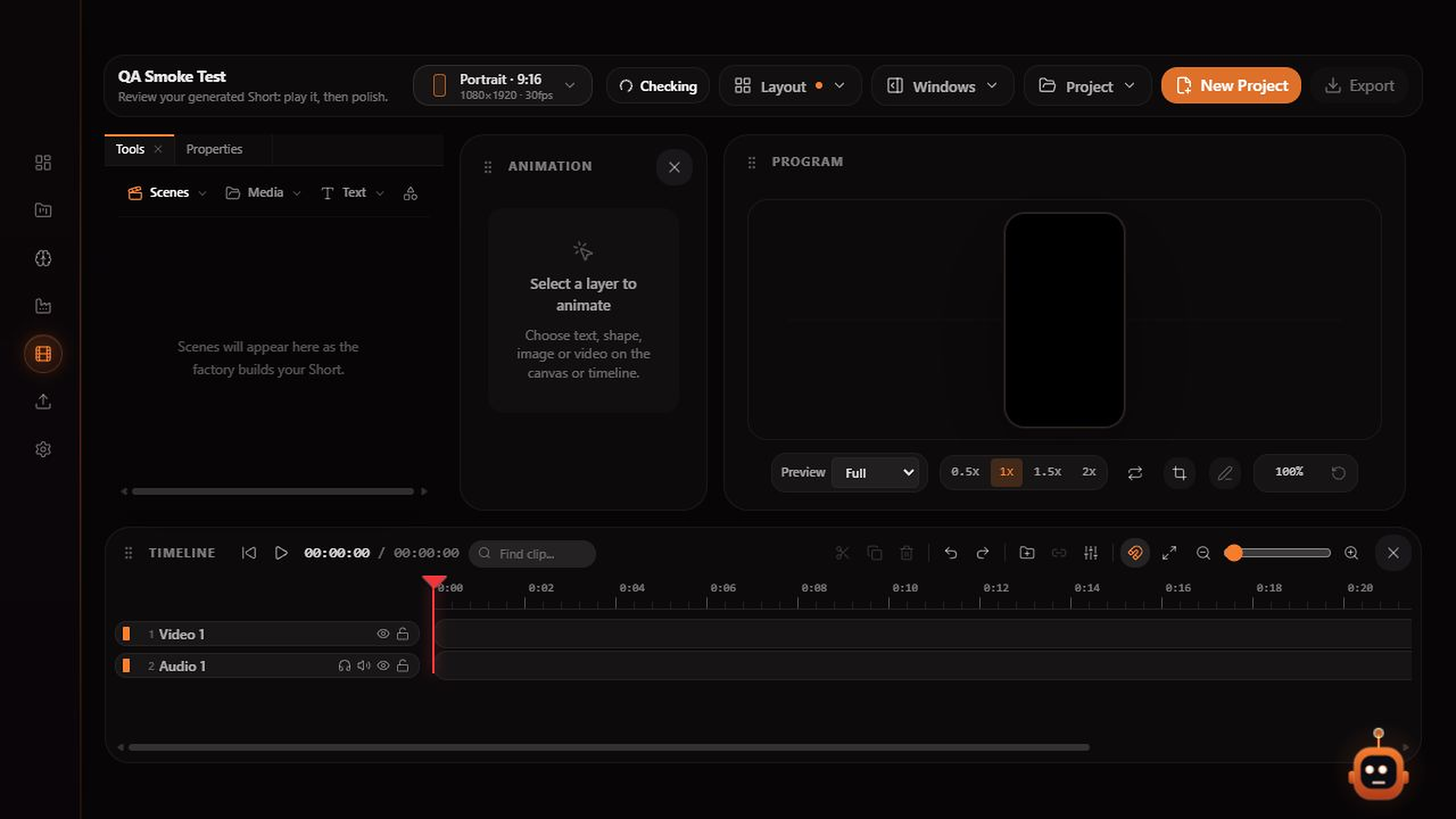
Stryde video editor with scene tools, a program preview, properties panel and separate video, narration and caption tracks
The Stryde workspace: review scenes, adjust the timeline and export from one editor.

Inside Stryde

One focused workspace from idea to export.

01

Bring an idea or your own script

Write a topic in AI Video or use the Use My Script mode. Choose a length and format before reviewing the production plan. A clear brief gives you a useful starting point for the scenes.

02

Review before producing media

Choose images, video or a mix, set the visual direction and review narration settings. Check the plan before committing to generation so you can correct the story and production choices first.

03

Keep the draft editable

Once media is assembled, review the scenes on the timeline. Trim and reorder clips, adjust captions and audio, and export when the sequence is ready. Generated output still needs your review.

Explore the studio

See how the pieces fit together.