01
Build motion from a starting and ending state
Select a layer and set position, scale or opacity at different points in the sequence. Use the program preview to check framing as the layer changes over time.
Stryde workflow
Control position, scale and opacity with keyframes in Stryde. Refine motion alongside video, audio and captions on a multi-track Windows desktop timeline.
Use motion to guide attention in a scene. Stryde brings layer animation into the same project where you arrange the cut.
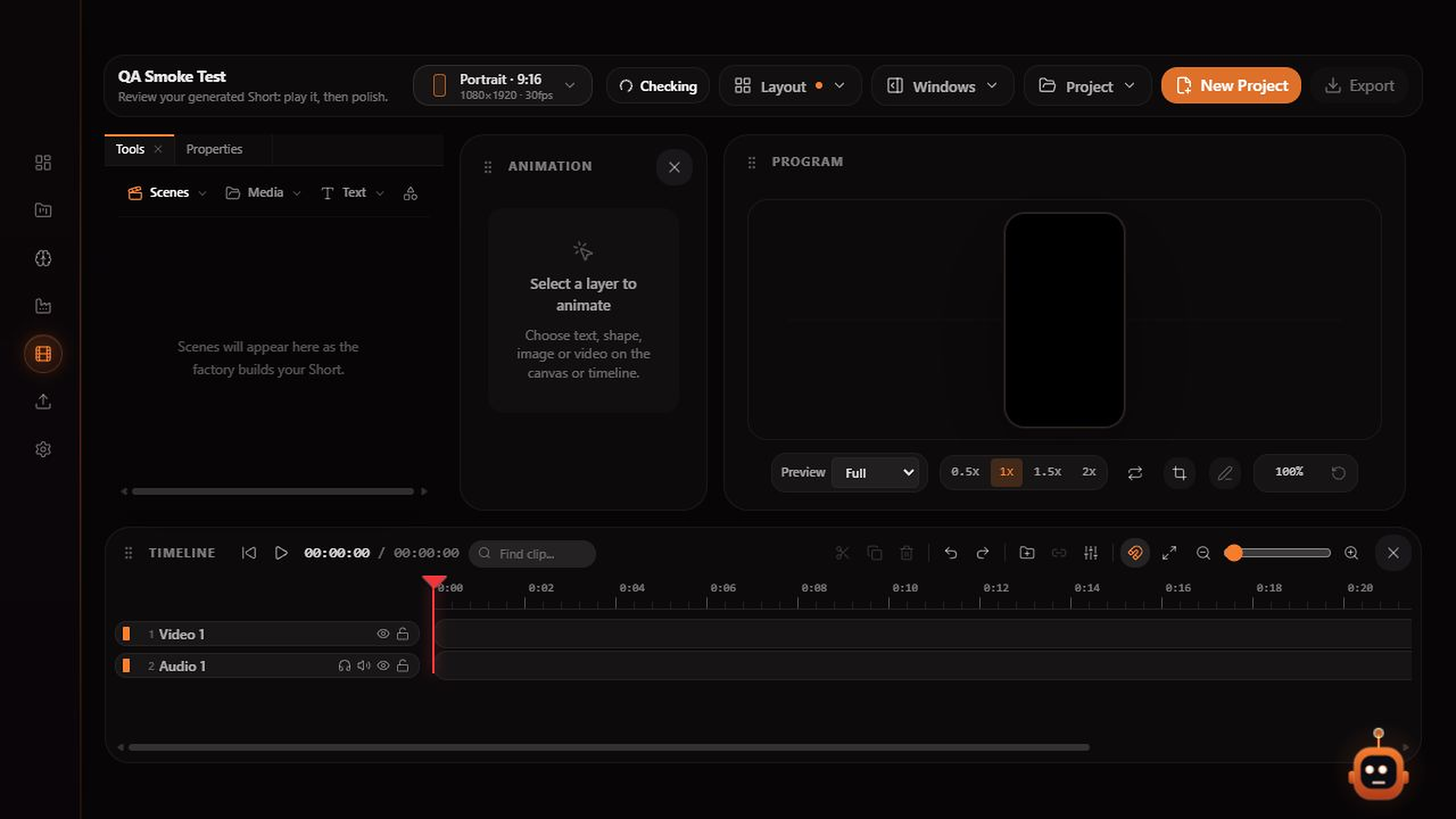
Inside Stryde
01
02
03
Explore the studio