Captions and audio

Captions, narration and audio in Stryde

Use Stryde to add accurate captions, shape narration, remove silence and clean dialogue while you edit the video on a real timeline.

Stryde treats captions, voice and sound as part of the edit. You can review the words, refine the pacing and balance the audio before export.
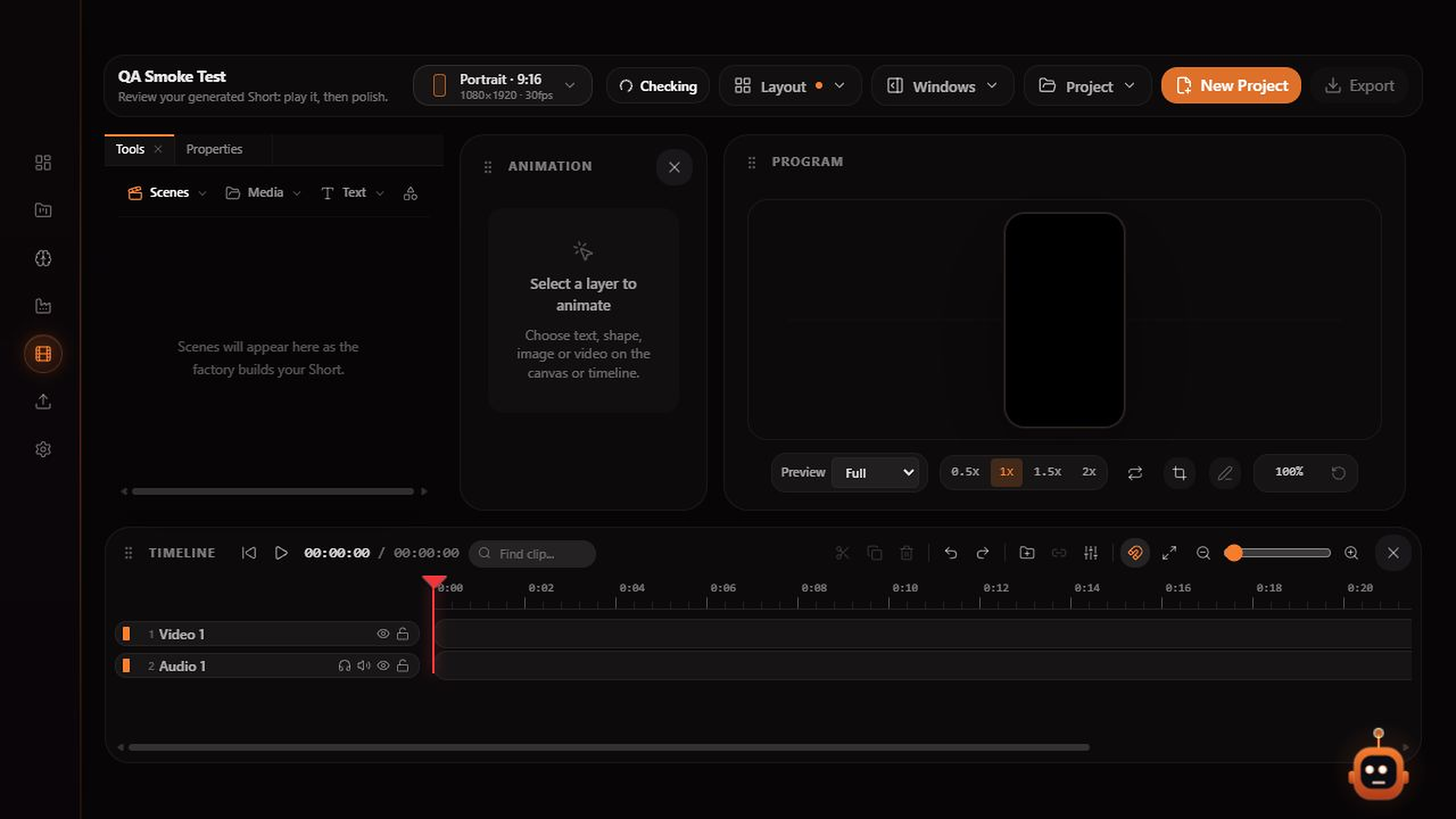
Stryde video editor with scene tools, a program preview, properties panel and separate video, narration and caption tracks
The Stryde workspace: review scenes, adjust the timeline and export from one editor.

Inside Stryde

One focused workspace from idea to export.

01

Captions that stay editable

Generate timed captions from speech, then edit the copy and style in the same project. Captions remain part of the sequence rather than a separate final render.

02

Narration that follows the cut

Choose narration and voice settings during planning, then keep the voice track aligned with the scenes and captions as the edit changes.

03

Cleaner dialogue and pacing

Remove unwanted silence, reduce distracting noise and balance levels so the final export is easier to understand without a separate audio handoff.

Explore the studio

See how the pieces fit together.