01
Choose the format before production
Set the canvas to vertical for a 9:16 sequence and choose the intended length. Start with an idea or script and select images, video or mixed media for the scenes.
Stryde workflow
Plan vertical videos for YouTube Shorts and Instagram Reels with Stryde. Arrange scenes, edit narration and captions, and export from a real desktop timeline.
Choose a vertical canvas during planning, then refine the pacing, picture and sound in one workspace. Stryde is currently accepting early-access applications.
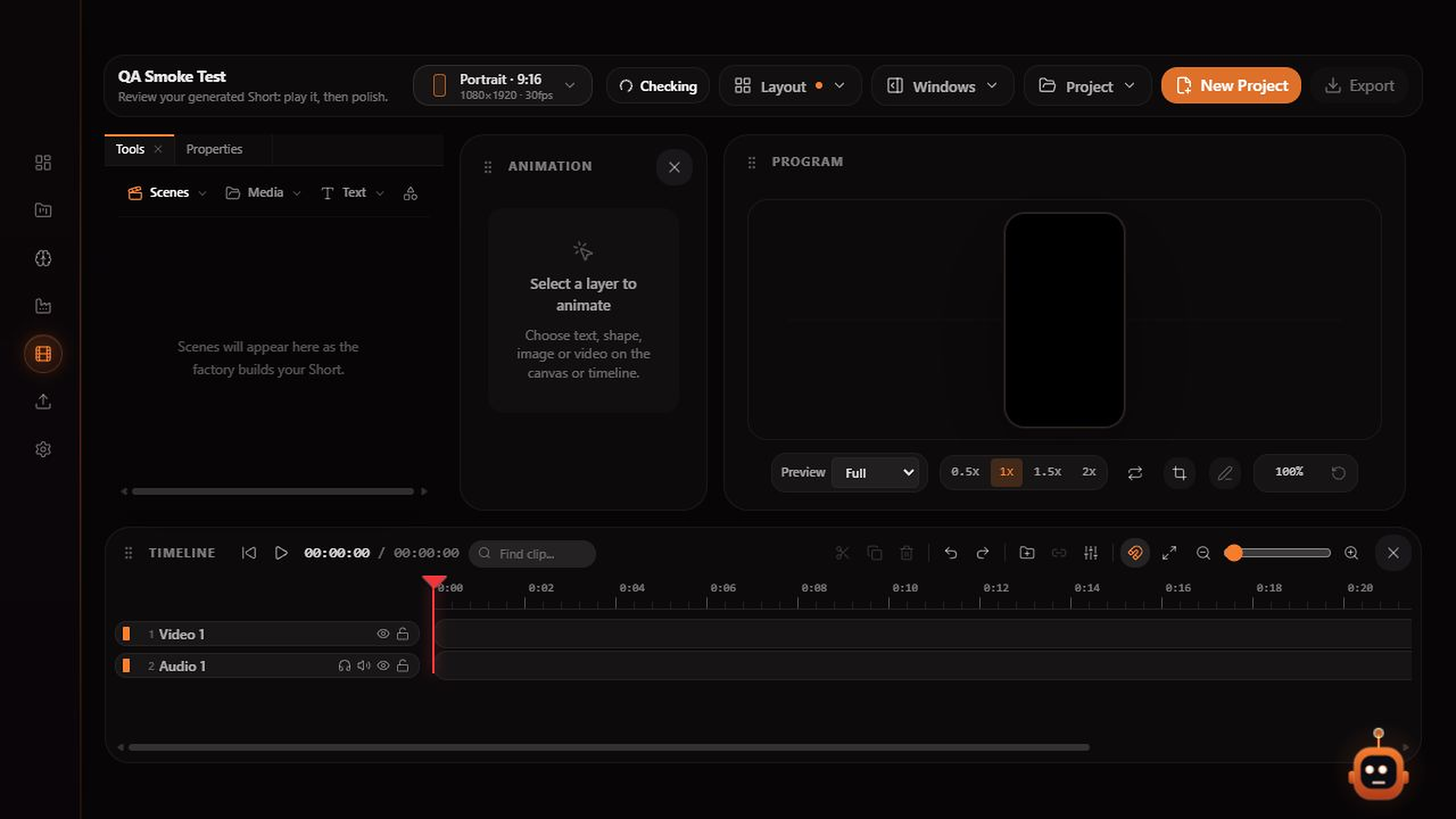
Inside Stryde
01
02
03
Explore the studio